Tellmate

Here's how it goes
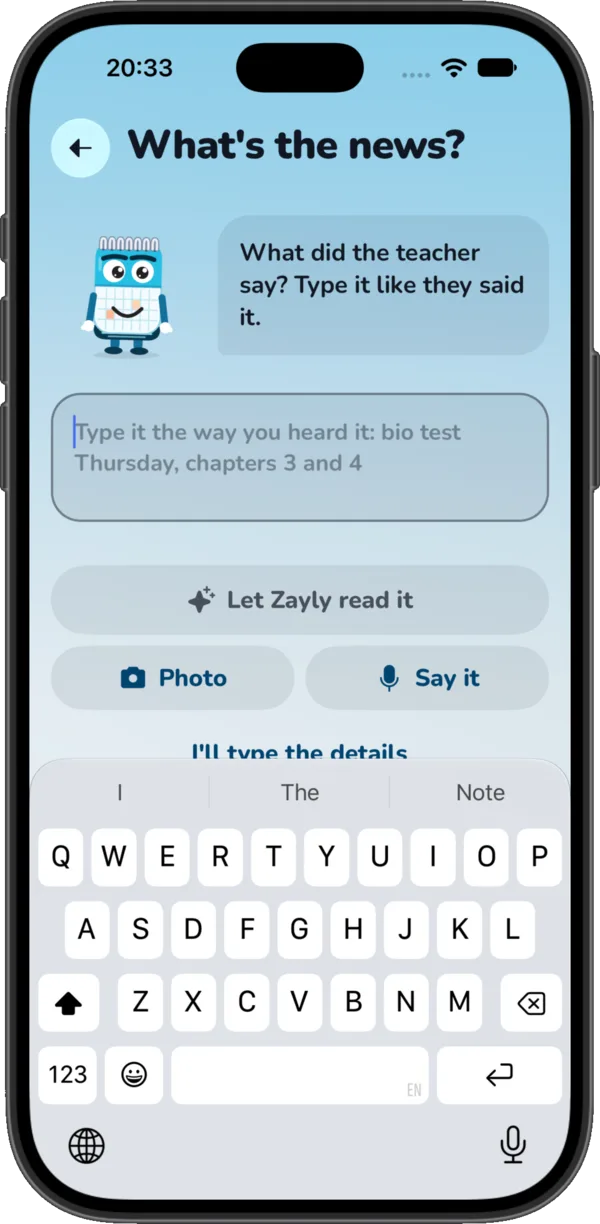
Tell it like the teacher said it
One line is enough. Type it, paste it from the group chat, or just say it out loud.
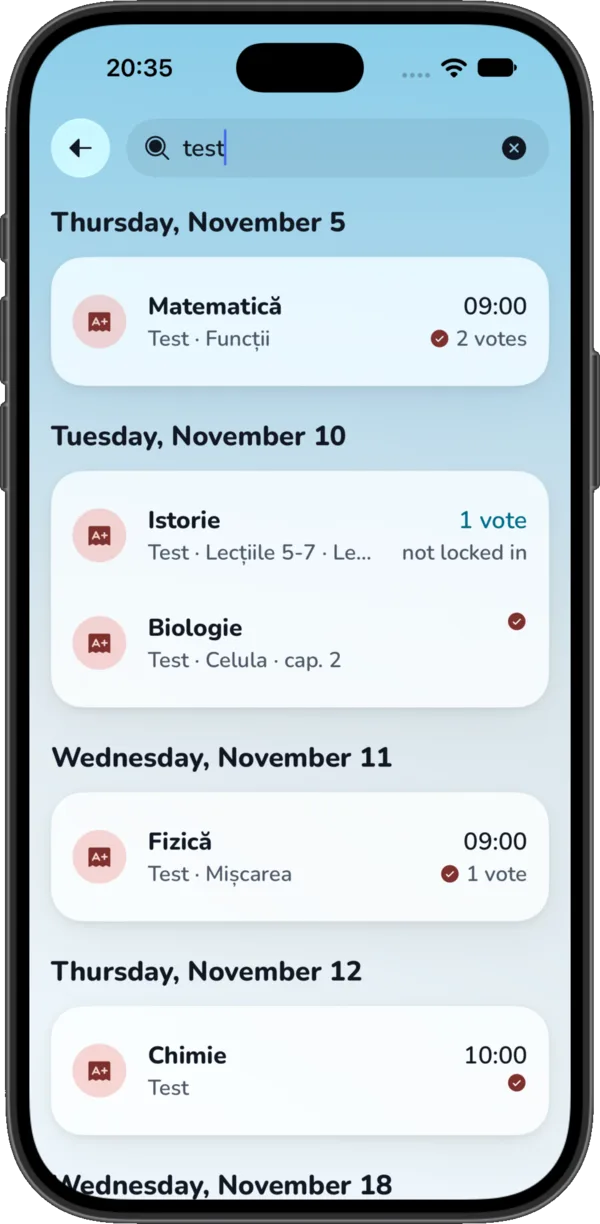
Zayly reads it in a second
Tests, homework and projects come out with a subject and a day, worked out from your class timetable. You just check it.
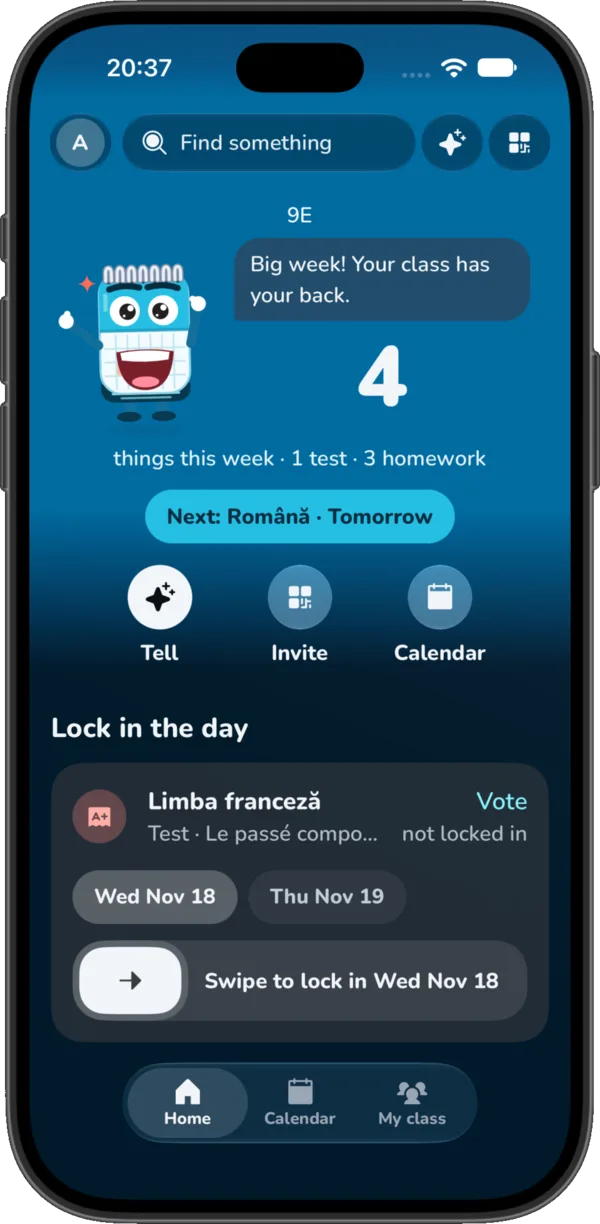
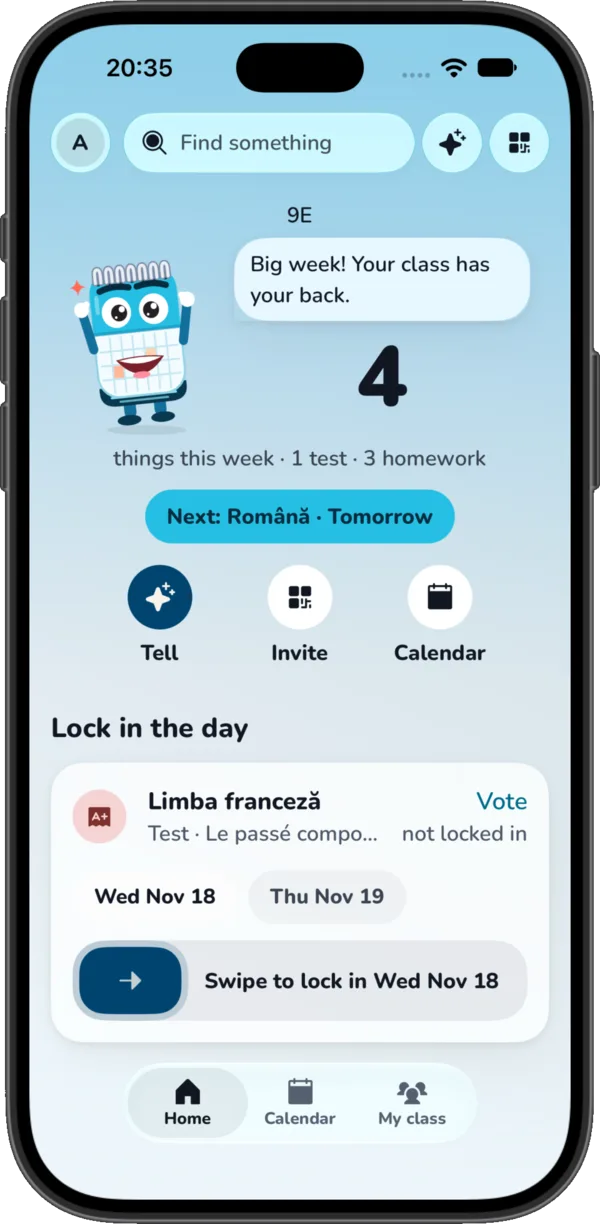
Swipe to lock in the day
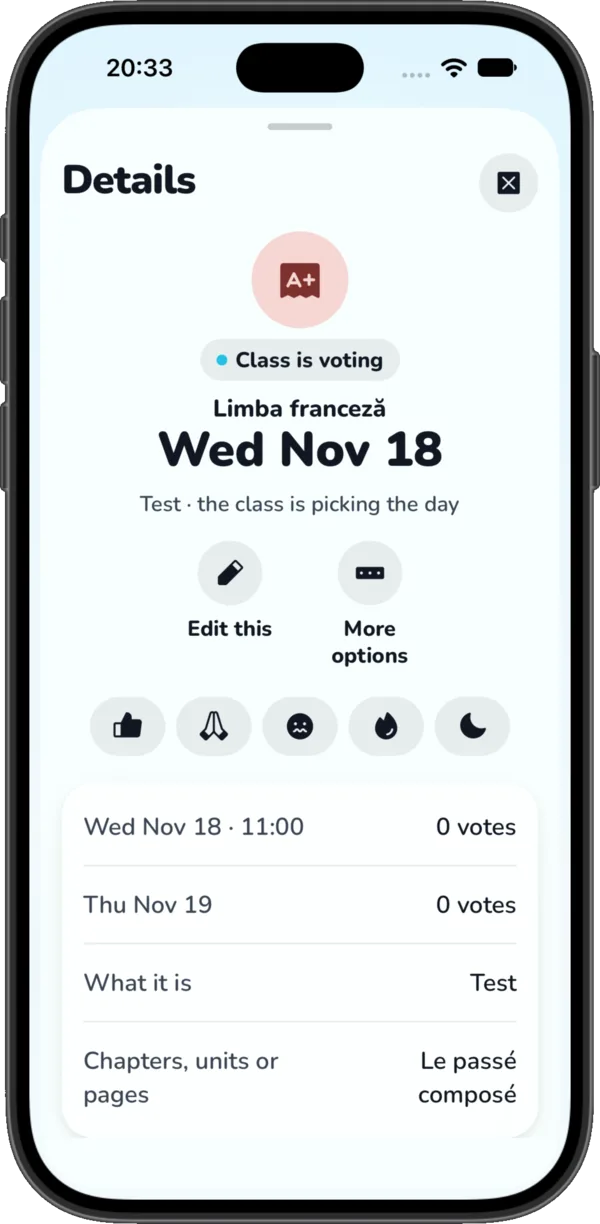
Not sure if it's Monday or Tuesday? Everyone picks the day they heard and swipes to lock it in. The whole class sees the same date.
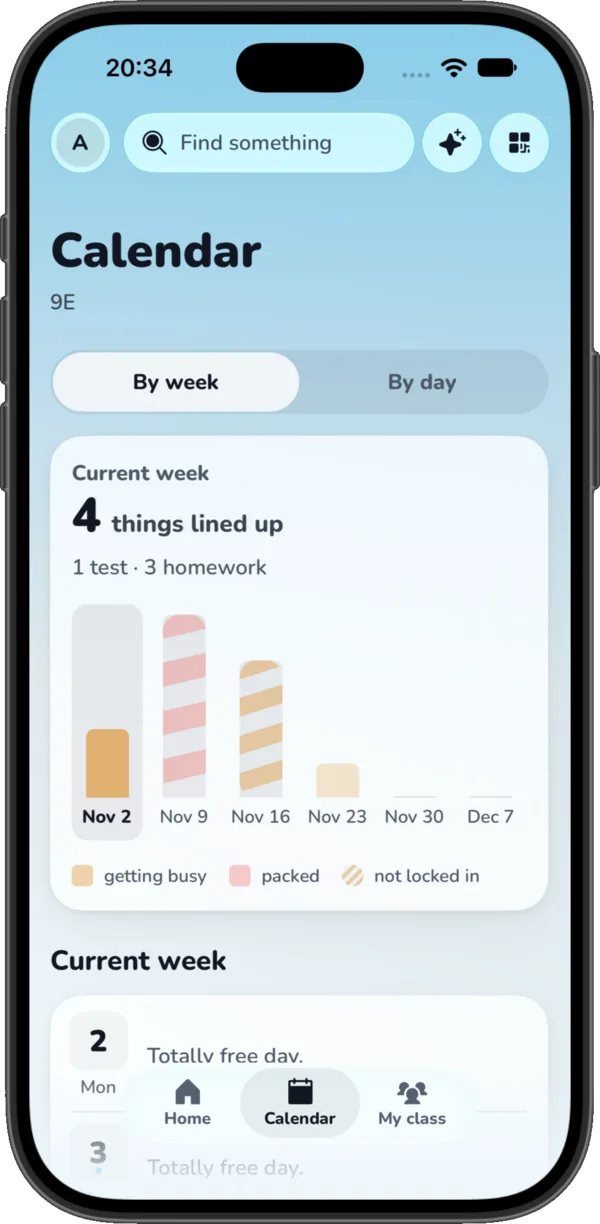
See the busy weeks coming
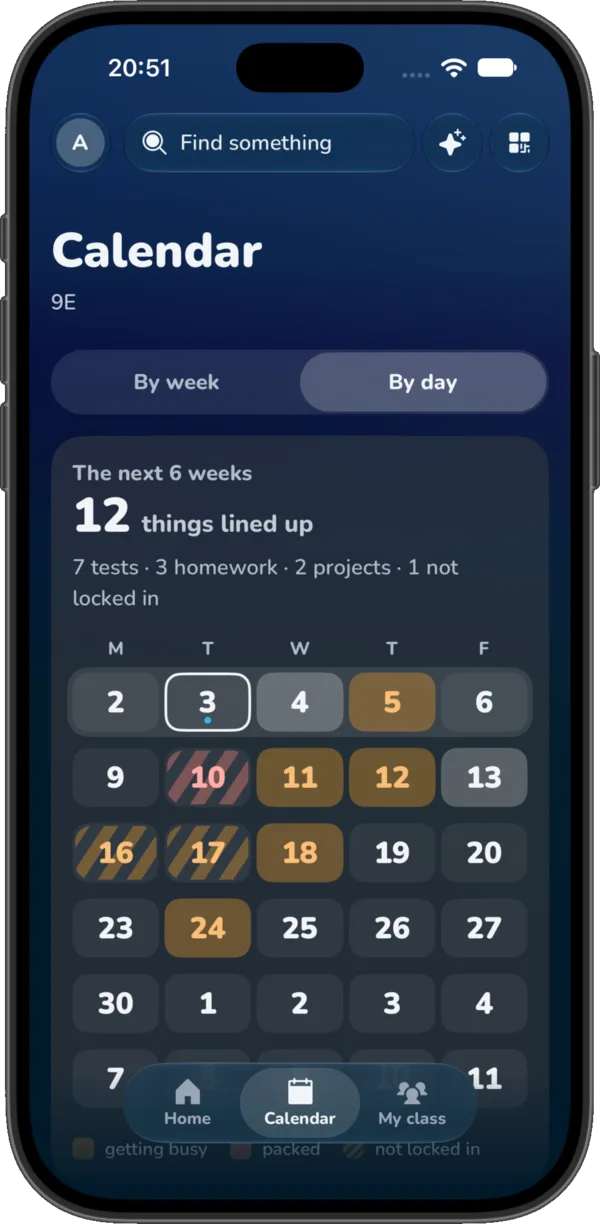
The calendar fills up as the class posts. Three tests on one day show up weeks ahead, not the night before.
A link for teachers
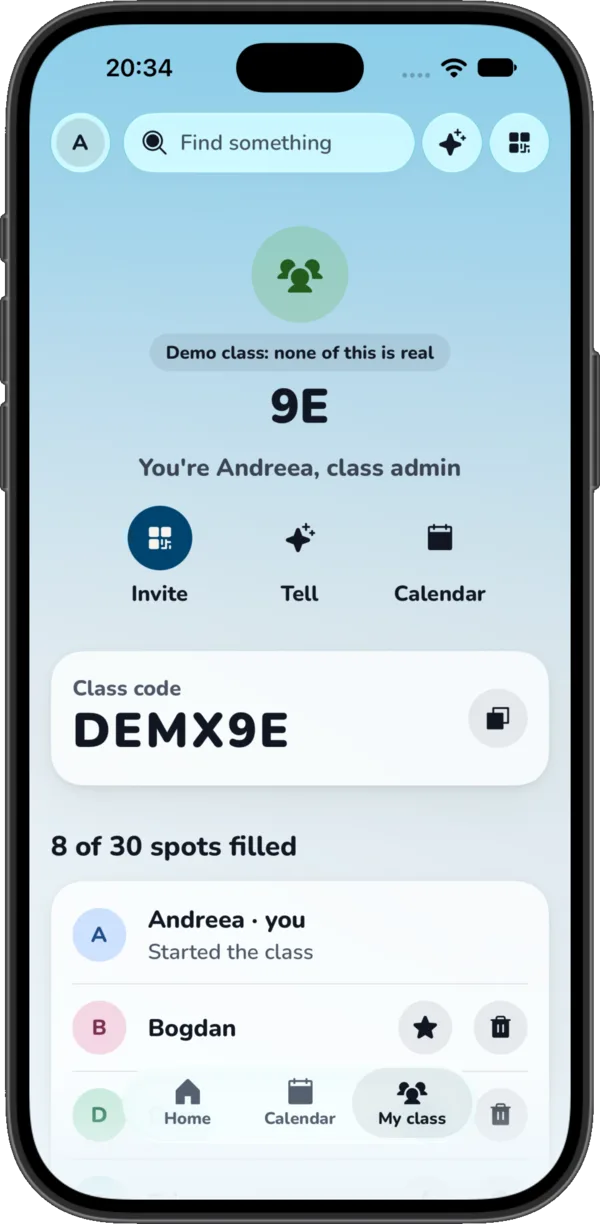
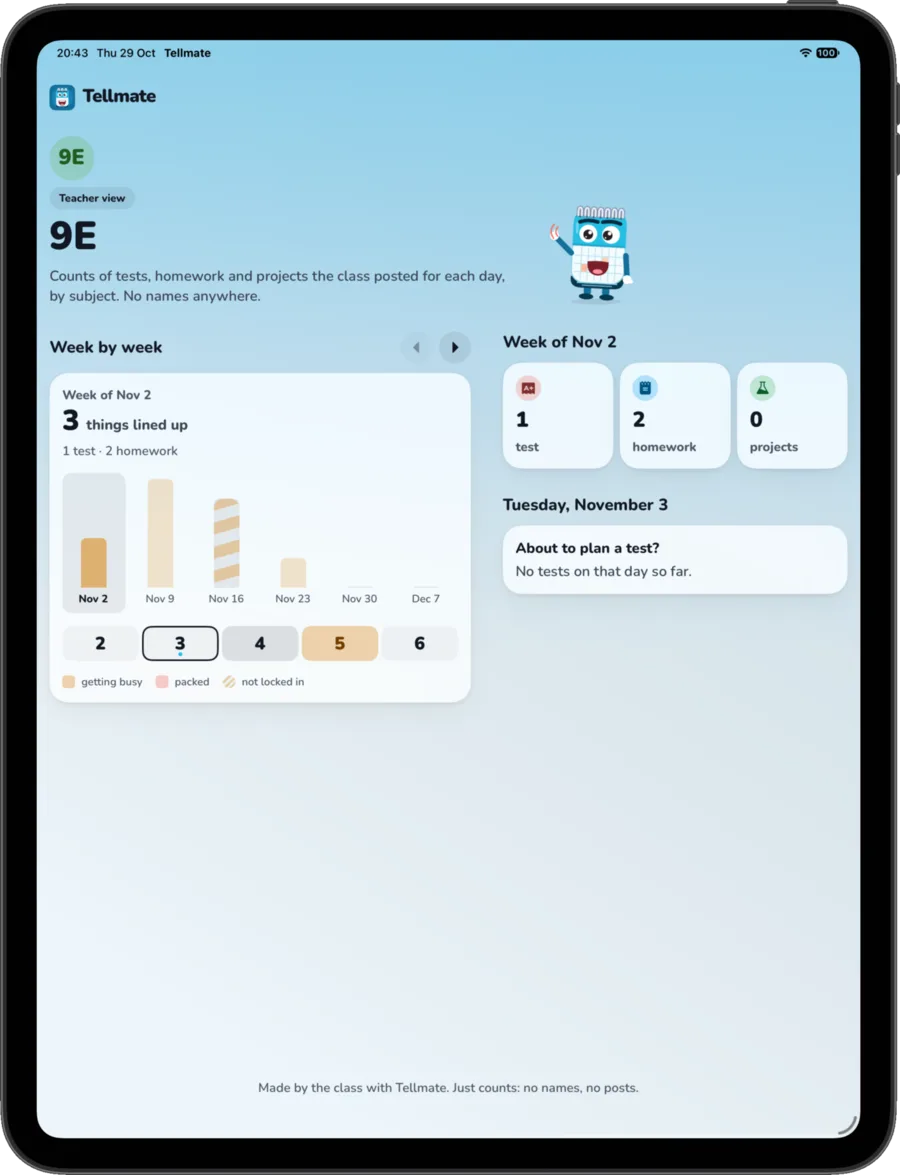
Teachers see how many tests and homework fall on each day, by subject. No names, no posts. Handy before planning another test.